

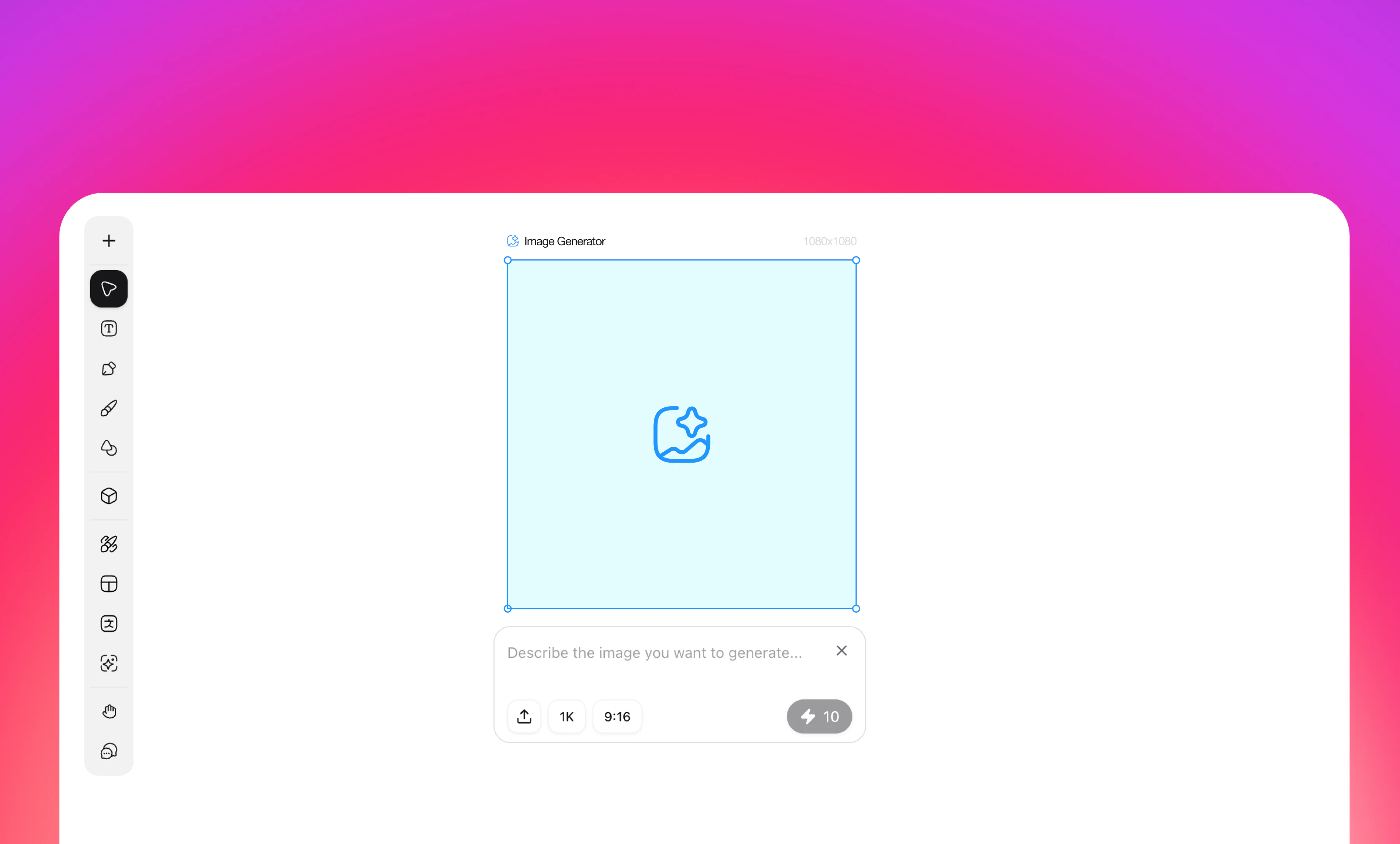
Overview
AI-powered image generation tool for creating design assets through text promptsHow to Use
- Click the Image Generator icon in the left toolbar
- Enter your image description in the “Describe the image you want to generate” input field
- Configure generation settings:
- Model: Select from available AI models
- Nano Banana Pro (default)
- GPT Image 1.5
- Flux 2 Pro
- Flux 2 Max
- Nano Banana
- Seedream 4.5
- Seedream 4
- GPT Image
- …
- Resolution: Choose output quality
- 1K (default)
- 2K
- 4K
- Aspect Ratio (Format): Select canvas dimensions
- 21:9 (1568×672)
- 16:9 (1456×816)
- 4:3 (1232×928)
- 3:2 (1344×896)
- 1:1 (1024×1024) - default
- 9:16 (816×1456)
- 3:4 (928×1232)
- 2:3 (896×1344)
- 5:4 (1280×1024)
- 4:5 (1024×1280)
- Image Reference: Optional
- Upload Image
- Select from Canvas
- Model: Select from available AI models
- Click generate to create your image
- Generated images automatically appear on canvas for editing
Key Features
- Real-time dimension preview
- Multiple AI model support
- Flexible format options for various use cases
- Image reference capability for style consistency
- Seamless post-generation editing