

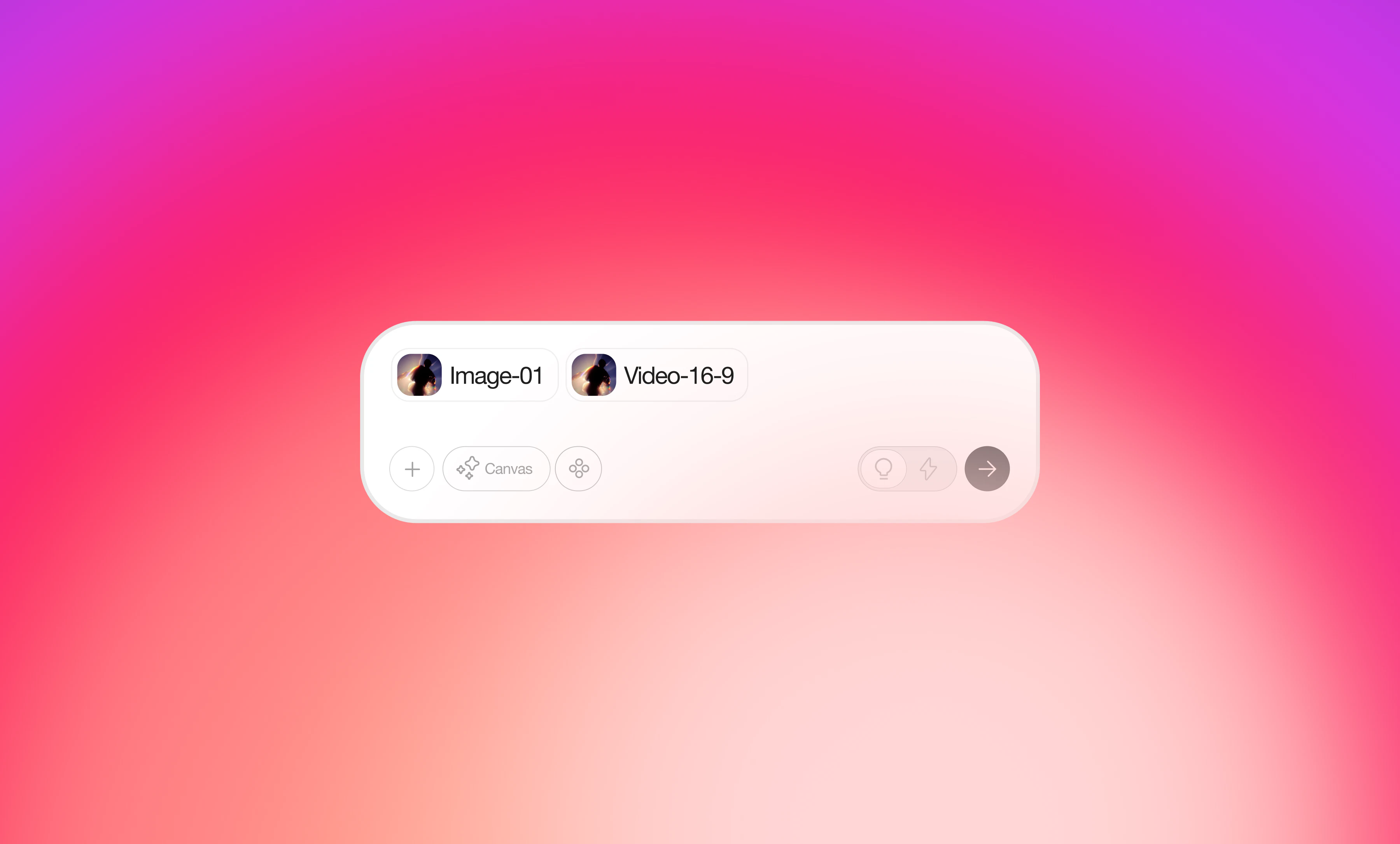
How to Use
Method 1: Click the upload button- Click the upload button on the left side of the input box and select files from your device.
- Simply drag files into the “Drop files here to add to chat” area for instant upload.
Supported Formats
- Images: JPG, PNG
- Videos: MP4, MOV
- PDF: Documents and design files
- Each conversation input can include a maximum of 10 elements combined (files, images, mentions, etc.).