> ## Documentation Index
> Fetch the complete documentation index at: https://docs.letscolab.tech/llms.txt
> Use this file to discover all available pages before exploring further.
# Upload Files
Easily import assets to Colab Canvas. Supports JPG, PNG, MP4, and PDF for Nano Banana references, Flux Context, and ChatCanvas. Drag & drop up to 10 files.
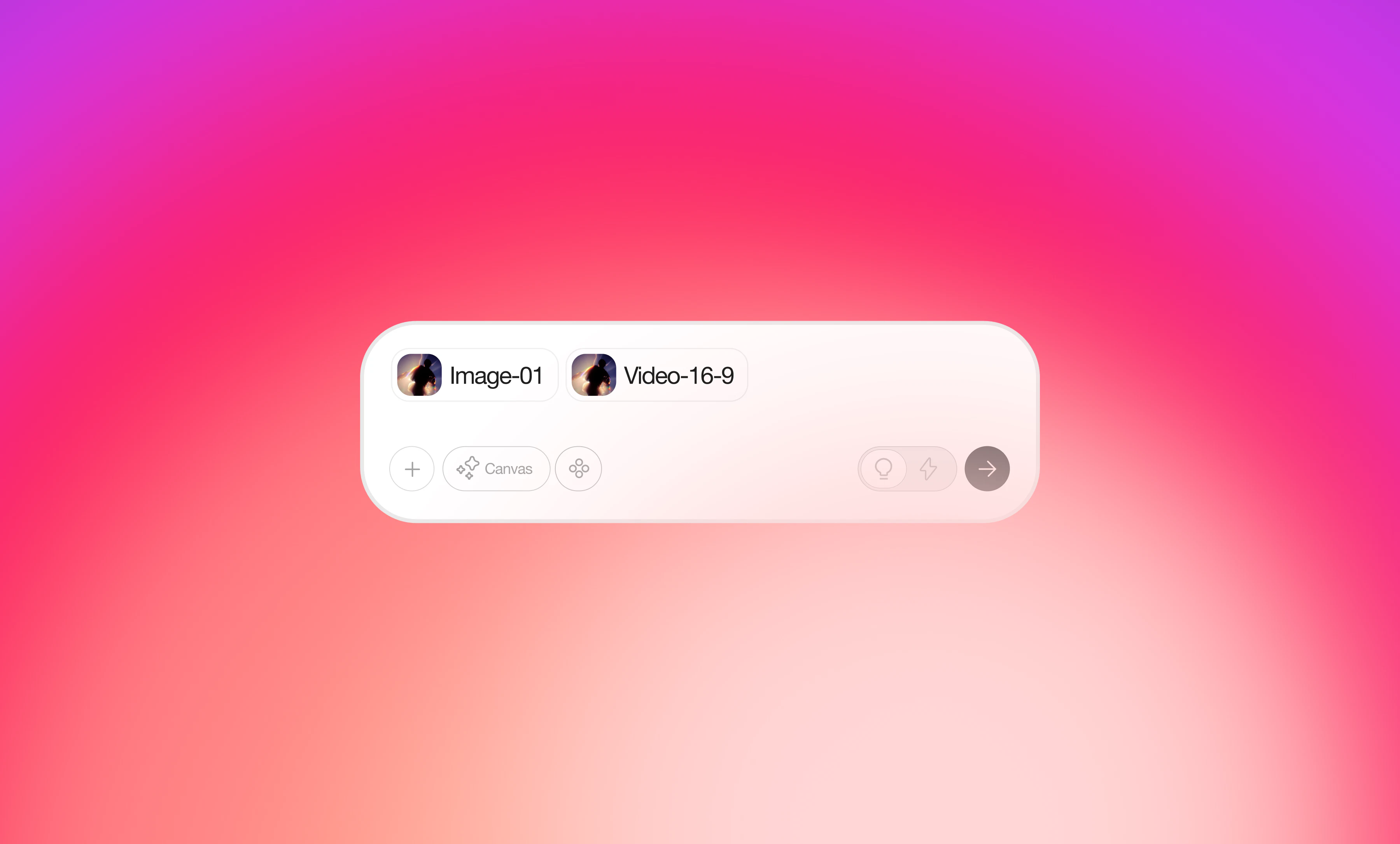 Colab File Upload: Import Images, Video & PDF References
The **Upload file** at the bottom right of Colab's input area supports uploading **images, videos, and PDFs** in two ways:
### **How to Use**
**Method 1: Click the upload button**
* Click the **upload button** on the left side of the input box and select files from your device.
**Method 2: Drag and drop**
* Simply drag files into the "Drop files here to add to chat" area for instant upload.
### **Supported Formats**
* Images: JPG, PNG
* Videos: MP4, MOV
* PDF: Documents and design files
* Each conversation input can include a maximum of 10 elements combined (files, images, mentions, etc.).
Colab File Upload: Import Images, Video & PDF References
The **Upload file** at the bottom right of Colab's input area supports uploading **images, videos, and PDFs** in two ways:
### **How to Use**
**Method 1: Click the upload button**
* Click the **upload button** on the left side of the input box and select files from your device.
**Method 2: Drag and drop**
* Simply drag files into the "Drop files here to add to chat" area for instant upload.
### **Supported Formats**
* Images: JPG, PNG
* Videos: MP4, MOV
* PDF: Documents and design files
* Each conversation input can include a maximum of 10 elements combined (files, images, mentions, etc.).